Custom Templates
Build Once, Use Forever
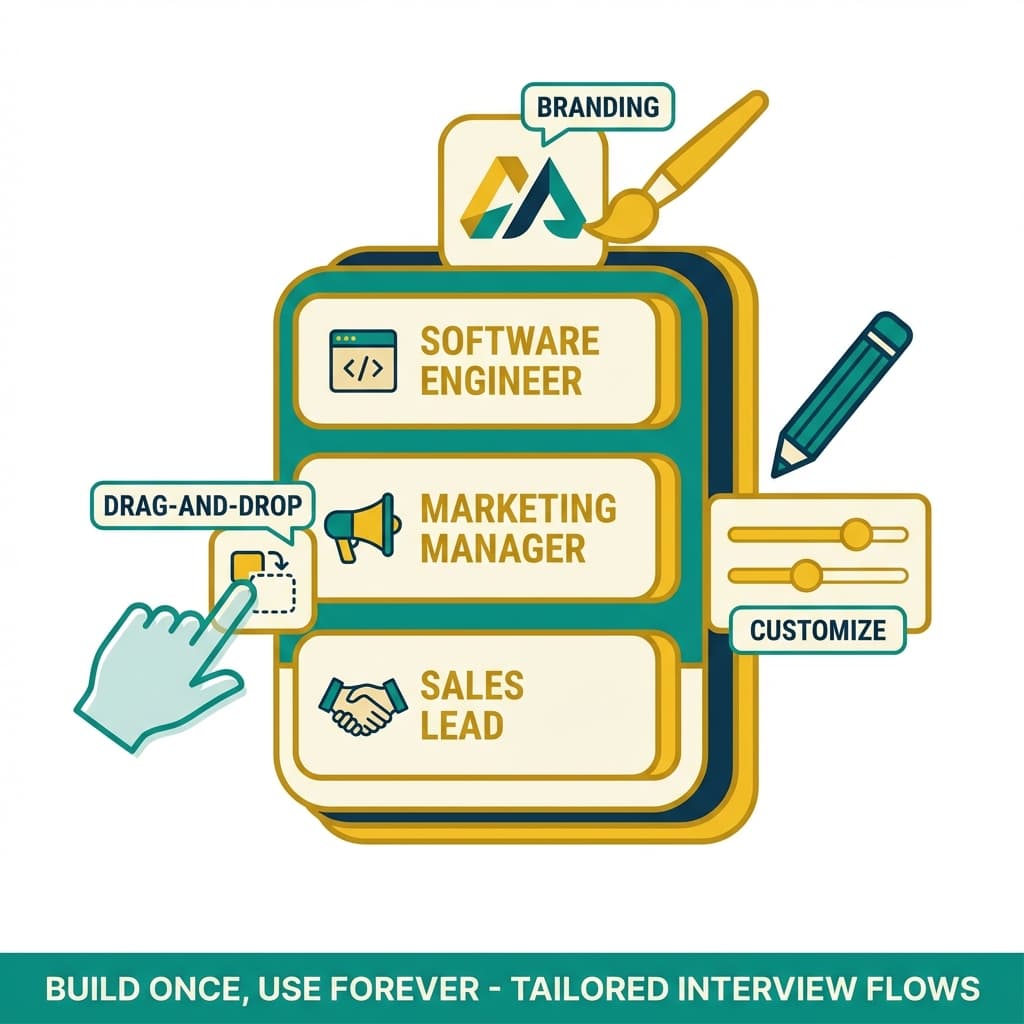
Build role-specific interview templates once and reuse them across every requisition, with custom question sets, time limits, and scoring criteria baked in. A drag-and-drop builder lets your whole team create, share, and standardize interview flows in minutes.
Most teams rebuild their interview process from scratch for every role, copying questions between documents, guessing at time limits, and scoring candidates against criteria that shift from one hiring manager to the next. The result is inconsistent interviews, slow setup, and decisions that are hard to defend. InterviewFi replaces that with reusable Custom Templates: a drag-and-drop builder where you define question sets, section timing, and weighted scoring once, then launch the same proven flow for every candidate. Share templates across your team so every interviewer runs the exact same structured process, and update one template to roll changes out everywhere instantly.
Key Benefits
- Drag-and-drop interview builder
- Reuse templates across every role
- Custom question sets per template
- Set section-level time limits
- Weighted scoring criteria built in
- Share templates across your team
- Standardize interviews company-wide
- Update once, apply everywhere
How It Works
Build Your Template
Drag questions, sections, and assessments into place with the visual builder. Set time limits and scoring weights for each part of the interview.
Define Scoring
Attach weighted criteria and rubrics to every section so each candidate is measured against the same standard. Configure pass thresholds for the role.
Share With Your Team
Publish the template to your workspace so any recruiter or hiring manager can launch it. Lock core sections to keep evaluations consistent.
Launch And Reuse
Assign the template to a role and start interviewing in seconds. Reuse it for every future requisition or clone it to create a new variant.
With vs Without InterviewFi
| Feature | With InterviewFi | Without InterviewFi |
|---|---|---|
| Interview Setup Time | Under 5 minutes from a template | Hours rebuilding each role |
| Consistency Across Roles | Identical structure every time | Varies by hiring manager |
| Building Method | Drag-and-drop visual builder | Copy-paste between documents |
| Scoring Criteria | Weighted rubrics built into template | Ad hoc, manual notes |
| Updating Your Process | Edit once, applies everywhere | Update every copy by hand |
Common Use Cases
"We turned our messiest, most inconsistent interviews into eight reusable templates. New roles now go live in under five minutes, and every interviewer finally runs the same process."
Frequently Asked Questions
QCan I create different templates for different roles?
Yes. Build a dedicated template for every role, level, or department, each with its own question sets, timing, and scoring. Clone an existing template to create a variant in seconds rather than starting from a blank page.
QHow does template sharing work across my team?
Publish any template to your workspace and every recruiter and hiring manager can launch it instantly. You can lock core sections so the structure stays consistent while still allowing teammates to add role-specific questions where you permit it.
QWhat happens when I update a template?
Edits to a template can roll out to every future interview that uses it, so you change the flow once instead of updating dozens of copies. Interviews already in progress keep the version they started with for a clean audit trail.
QCan I set time limits and scoring within a template?
Absolutely. Each section supports its own time limit, and you can attach weighted scoring criteria and pass thresholds directly in the builder. Every candidate who takes that template is evaluated against the exact same rubric.